




Auction Containers: What is Inside?
About Auction Containers: What is Inside?: Abandoned-Container Auction Flipper
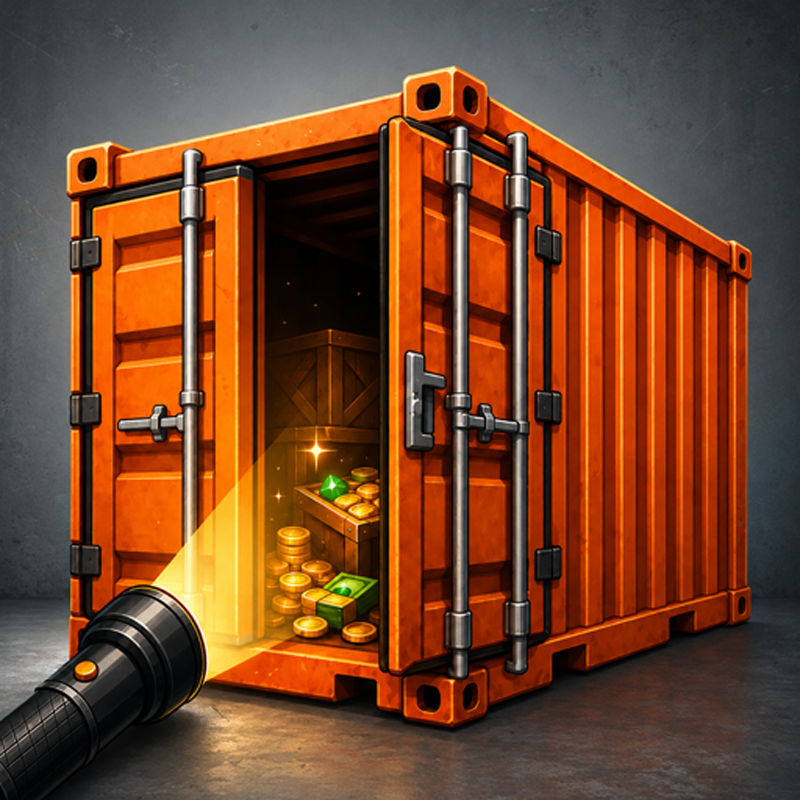
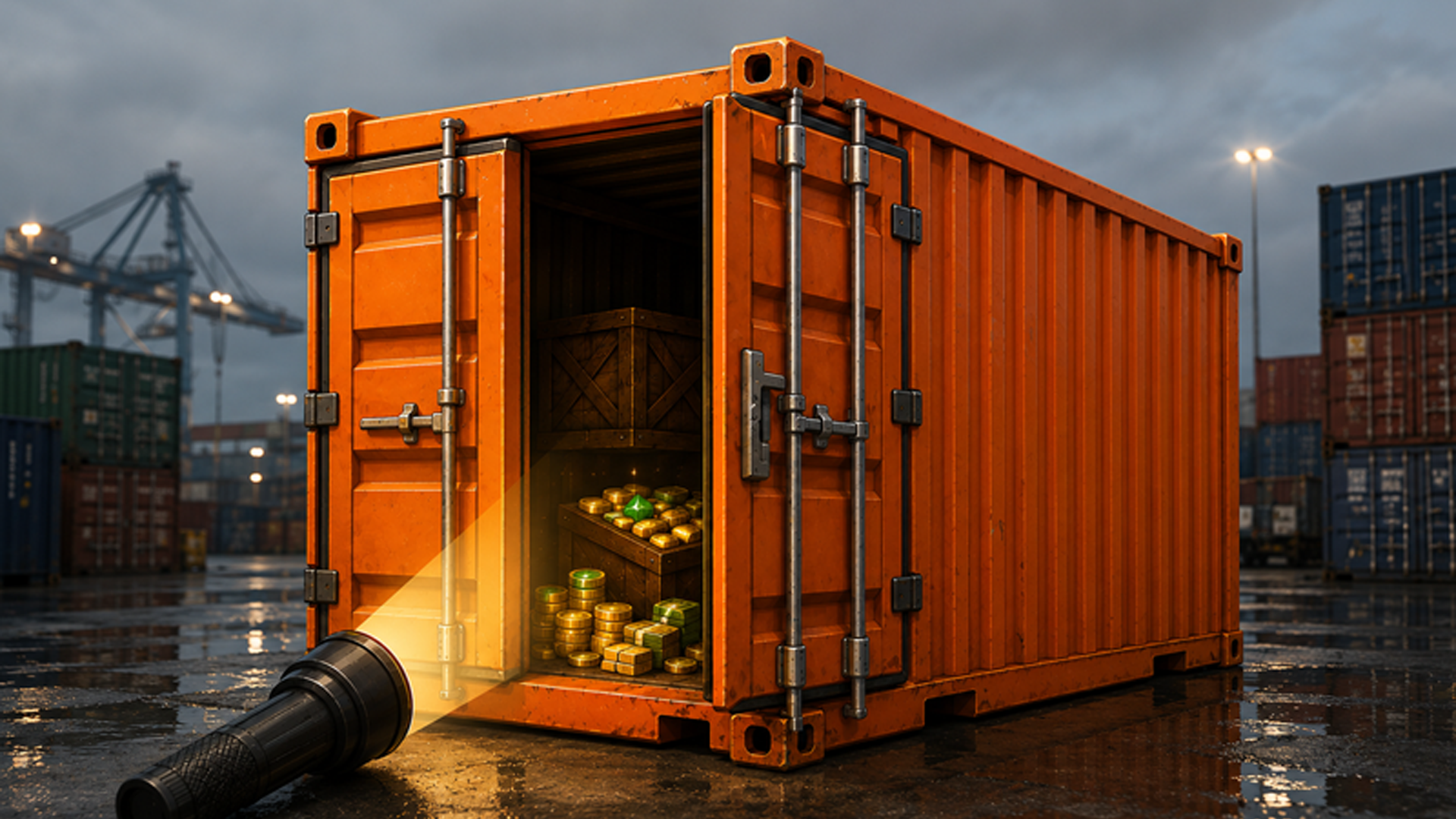
Auction Containers: What is Inside? puts you in the role of a flipper bidding on abandoned storage containers where nobody knows the contents — only estimates, risk, and your available cash. Win a lot, grab a flashlight, and start poking around inside. Every spot you examine drains the flashlight battery, so the meter is always on your mind. Finds range from common items and soiled surprises to unappraised valuables, worn pieces awaiting restoration, set parts, and collectibles. Progress saves automatically, and a leaderboard ranks players by balance.
How to Play Auction Containers: What is Inside?: Bid, Inspect, and Sell
Auction Phase
At the auction, choose a bid step or pass. A buy-now price lets you skip the bidding entirely and secure the lot outright. Once the container is yours, move on to inspection.
Inspection Phase
Each tap spends flashlight charge — keep an eye on the meter or the search ends in the dark. Locks trigger a lockpick minigame; crates require a crowbar or blowtorch. Suspicious spots can be scanned, though traps carry a cash penalty. When finished, tap the button at the bottom to send all finds to inventory. An unfinished inspection can be resumed from the auction screen.
Inventory and Services
From inventory, sell items immediately or send them through Services — appraisal, cleaning, or restoration — to raise their value. Assembling a complete set from parts and selling it together earns more than selling pieces individually.
Progression and Economy
Short on cash? The flea market offers cheaper lots. Complete contracts and daily goals to advance, unlock new locations from the starter yard up to the elite vault, and level up your dealer rank. Fill collection albums and stock up on lockpicks, crowbars, batteries, and upgrades at the shop.
Controls
- Mouse or touch: all navigation and interaction
- Bid step / Pass button: place or skip a bid at auction
- Buy-now button: purchase the lot instantly at the listed price
- Tap active spots: search locations inside the container during inspection
- Lockpick minigame input: open locked items
- Crowbar / blowtorch selection: open crates
- Scan input: examine suspicious spots
- Finish button (bottom of screen): end inspection and transfer finds to inventory
- Top bar — Home: return to auction screen
- Top bar — Shop, Inventory, Services, Settings: access respective menus
On-screen hints appear throughout to guide each step.
Games You Might Like
If the buy-low, sell-high loop of container flipping appeals to you, Gas Station delivers a similar tycoon grind — rebuild a neglected station from the ground up, manage daily operations, and expand into a full business empire. For a lighter take on resale and negotiation, Squishy Resale has you crafting toys, reading buyer personalities, and haggling for the best price in a cozy shop setting. Explore more titles in the same vein through the full Management games catalogue on Playgama, or browse the broader Simulation games and Tycoon games sections for more business-building experiences.
Video


